Other Screens & Dialog Boxes

Splash Screens

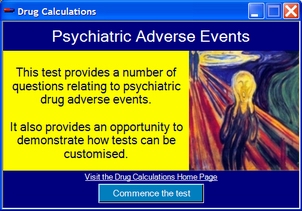
A splash screen can be created within the test creator utility. All features of a splash screen can be customised. It is shown at the commencement of a test and should include any additional instructions for the user. The test commences when the button is clicked. Optionally a splash screen can incorporate a login screen.

Login Screens

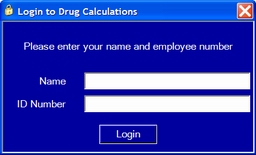
A login screen can be created within the test creator utility. Up to three fields can be included and optionally all fields may need to be completed before the test is able to commence. It may be incorporated into the splash screen or be displayed by itself. In either case, the login details will be included in any log files of results.

Help Prompts

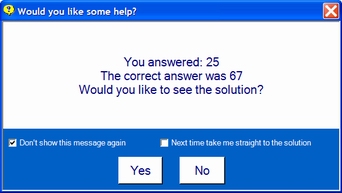
One test option is to display a prompt if the user gets as question wrong. The user can override the option by clicking on the "Don't show this message again" or "Next time take me straight to the solution" checkboxes.

Results Summary

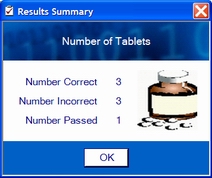
A default test option is to display a summary of results on completion of the test or when the test window is closing.